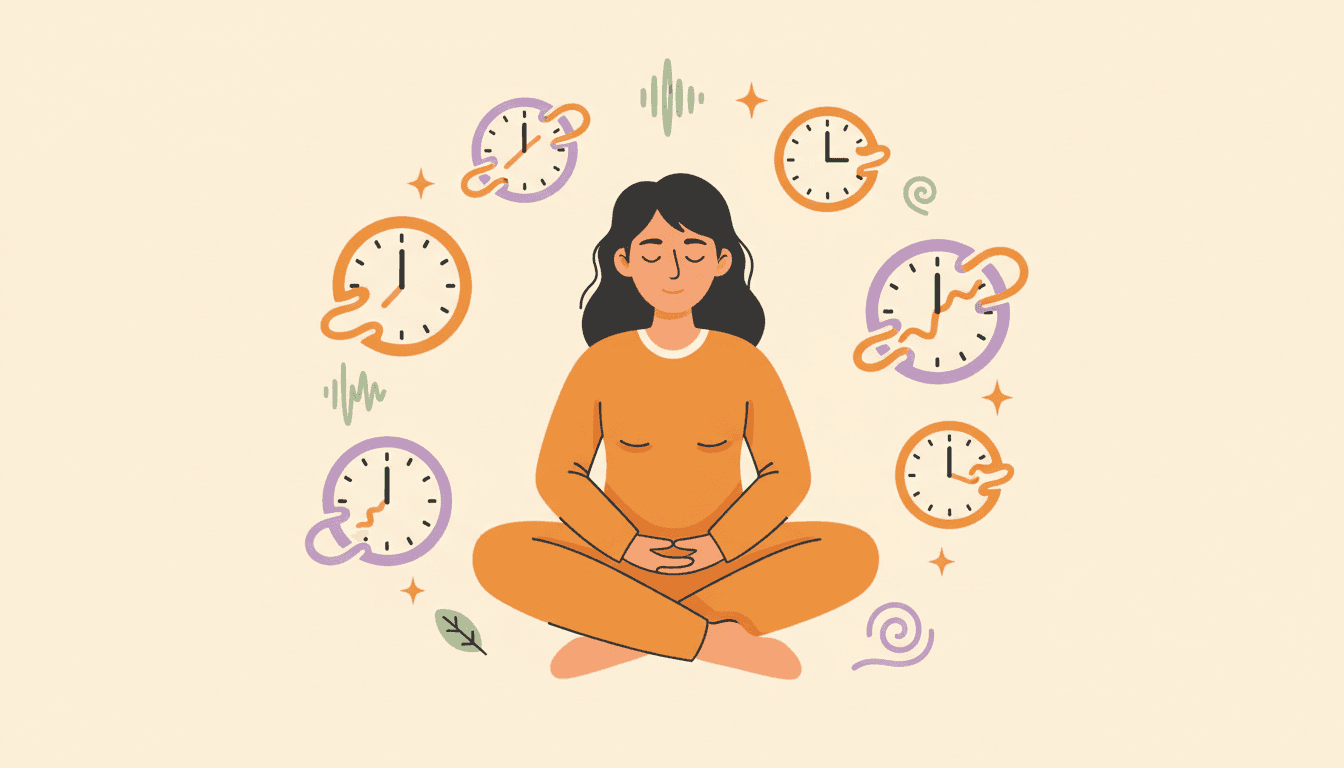
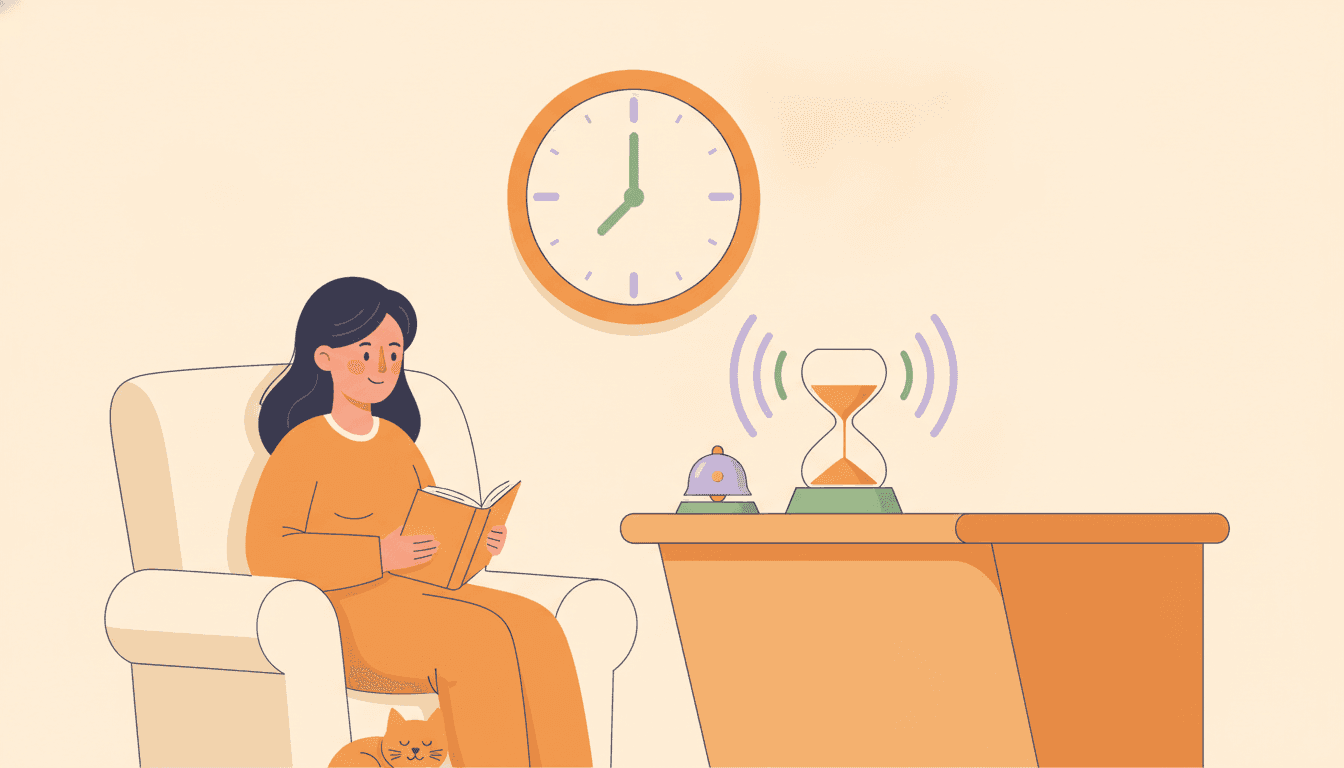
Hourly time anchors
A soft chime or the spoken time, every hour or every 15, 30 or 45 minutes. The hours stop slipping by unnoticed.
A gentle chime or a calm voice tells you the time, every hour, so afternoons stop disappearing. No alarms to snooze. No guilt.
Free on iPhone & Android · No account · No ads · Your data stays on your phone
10:00 AM
Time Check
Time blindness isn't a planning problem. It's not feeling time pass. TimeAware makes you feel it.
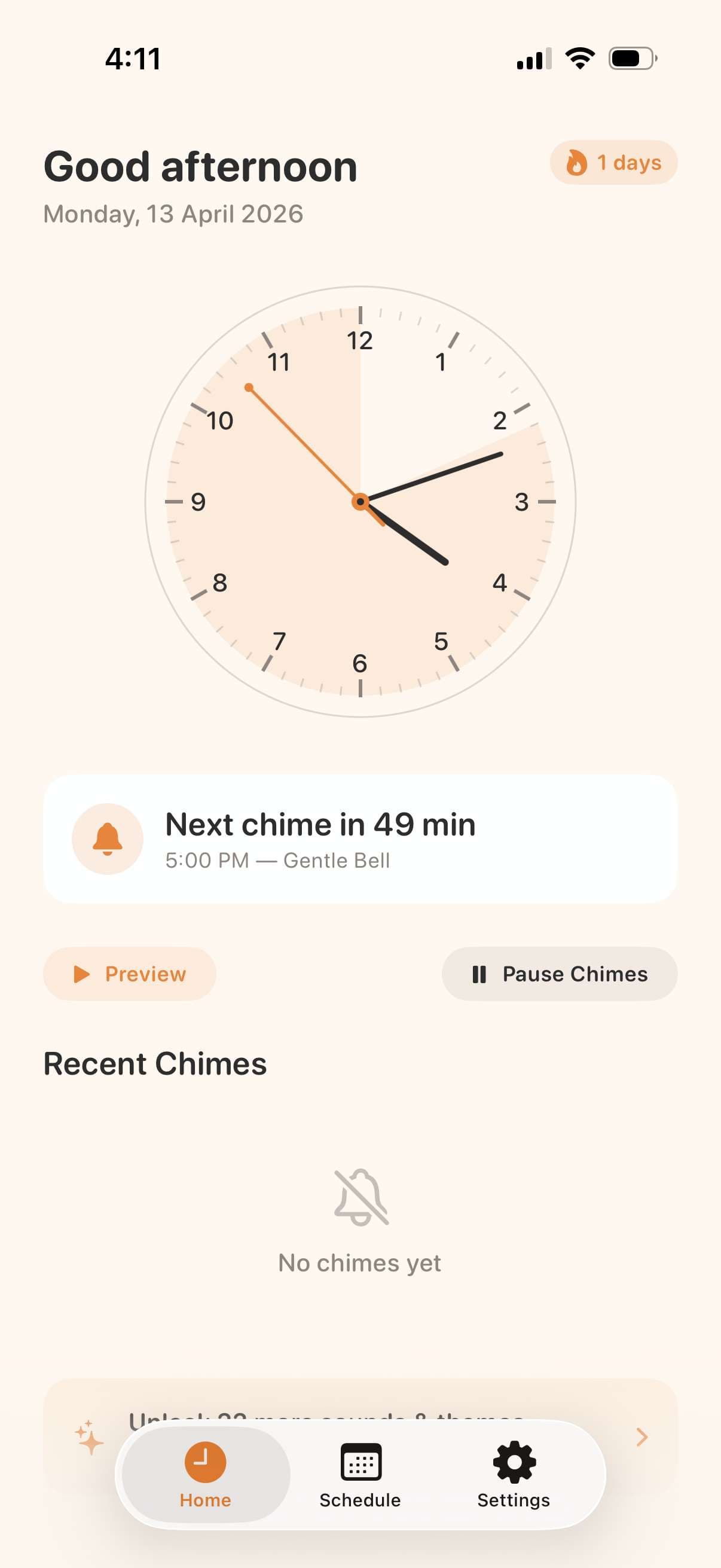
A soft chime or the spoken time, every hour or every 15, 30 or 45 minutes. The hours stop slipping by unnoticed.
12 voices, from Calm to ASMR, and 12 chimes, from Gentle Bell to Tibetan Bowl. Pleasant enough to leave on all day.
Connect your calendar and chimes go quiet while you're busy. Quiet hours and an hour-by-hour schedule cover nights and weekends.
Calendar sync is Pro
Haptic-only mode taps your pocket in silence, and Apple Watch turns every hour into a tap on your wrist. Made for offices, classrooms and libraries.
Pro
Analog, digital or minimal clocks with an arc counting down to the next chime, six themes, home screen widgets and, on iPhone, a lock screen countdown.
No account, no ads, no tracking. Your settings live on your phone, in English, Spanish, French or German.
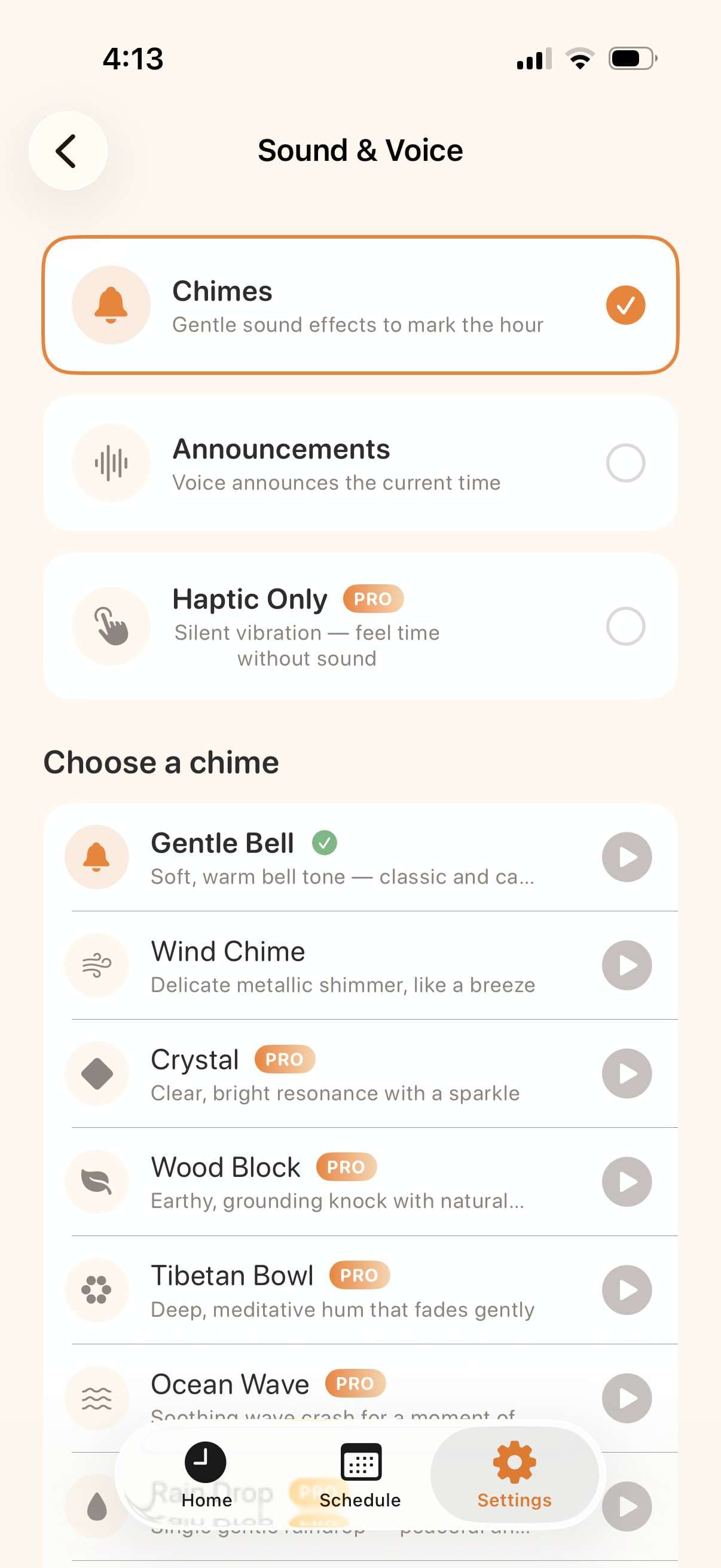
Gentle bells, ocean waves, or a voice that announces the hour. Choose what feels right.
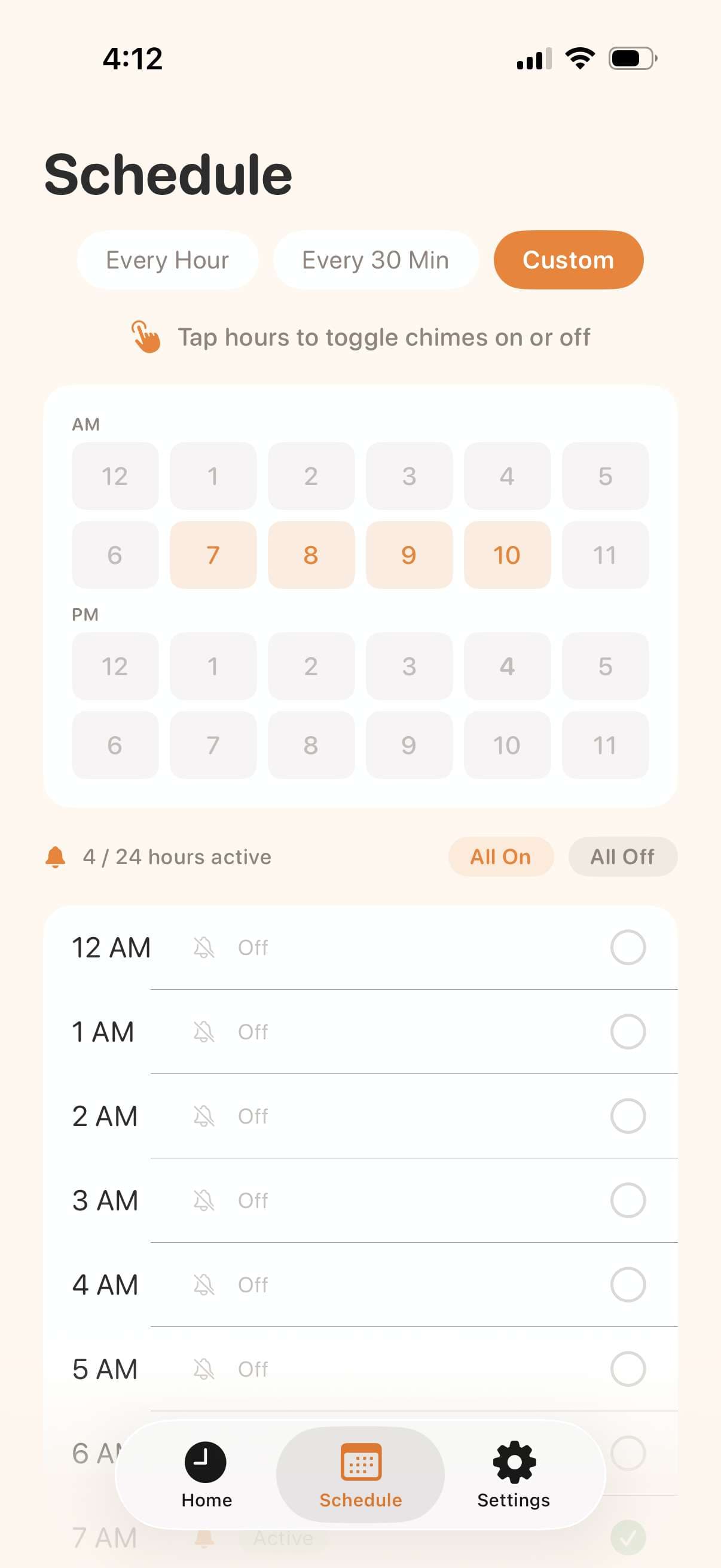
Tap the exact hours you want to hear from. Quiet during meetings, on during deep work.
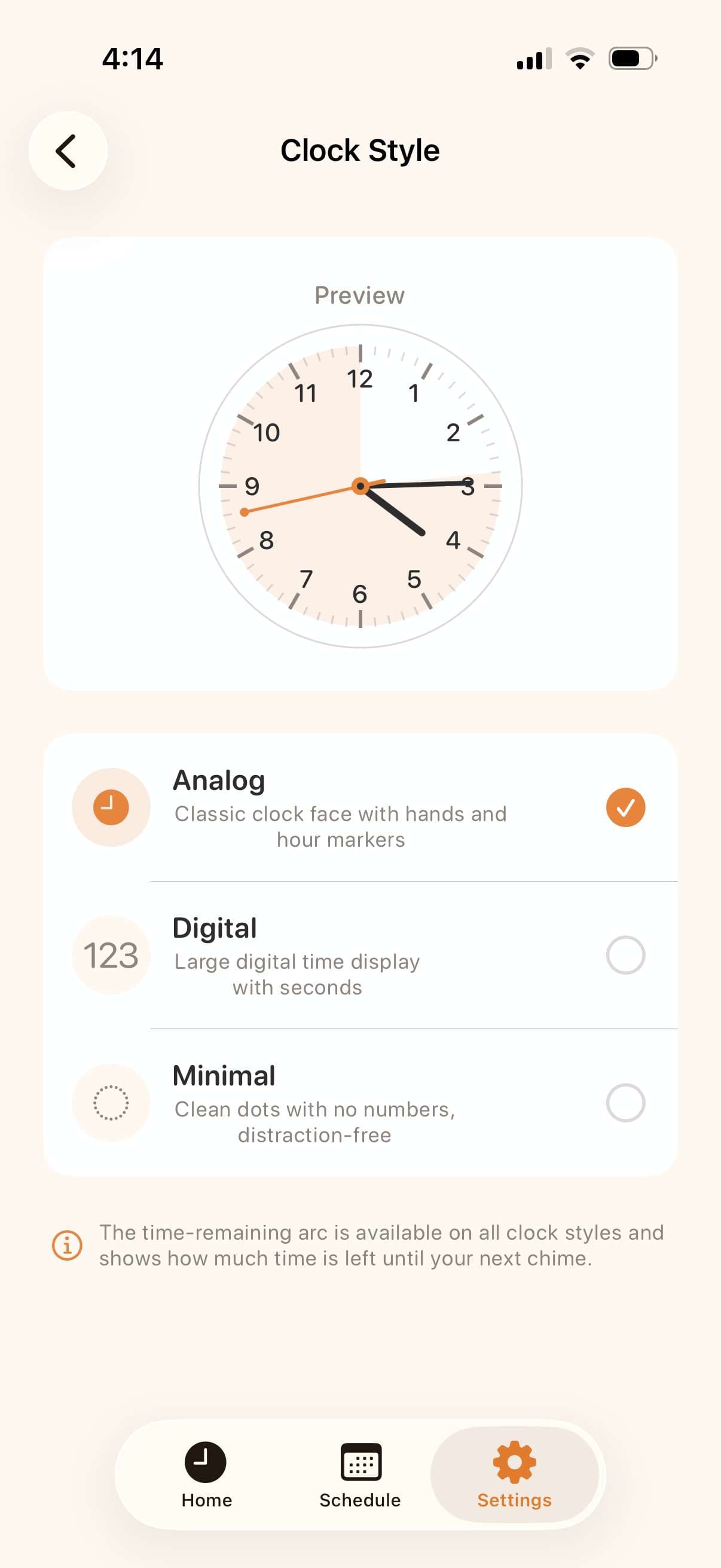
A glanceable arc shows time until the next cue. Hours stop slipping away unnoticed.
And then…
A gentle push lands on your lock screen — paired with the sound you picked. No app to open, no streak to maintain.
Wed, Apr 29
3:00
Time Anchor
now
It's 3 PM
Swipe up
Tap a sample to hear it. The app has 12 voices and 12 chimes, so there's one you'll happily hear all day.
If you've tried alarms, timers and planners and dropped them all, that isn't a willpower problem. Most tools assume you can already feel time passing.
Alarms demand that you stop and react, so you learn to swipe them away. A chime just tells you the time and leaves the next move to you.
ADHD researcher Russell Barkley's advice is to put reminders at the point of performance, outside your head. TimeAware brings the time to you, every hour, wherever you are.
Miss an hour, mute it for a meeting, take a day off. Nothing scolds you, and the next chime is still waiting when you're ready.
The free version is a complete time anchor, not a trial with a countdown. Pro adds the sounds, themes and quiet modes that make it fit your whole day.
$0
Everything you need to start
Weekly, monthly or yearly
For when it becomes part of your day
Pro prices vary by country and are shown in the app before you pay. Cancel anytime in your App Store or Google Play settings.
Yes. It's free to download on iPhone and Android, and the free version gives you gentle time cues on your schedule with two voices, two chimes and two themes. TimeAware Pro unlocks every sound and theme, calendar auto-pause, haptic-only mode and Apple Watch chimes.
Alarms ask you to stop and react, which is why most of us end up snoozing or ignoring them. TimeAware is built to be heard, not obeyed: pleasant sounds or the spoken time, quiet hours, meeting auto-pause and an hour-by-hour schedule, so it can stay on all day without turning into noise.
Yes. TimeAware is on Google Play for Android and on the App Store for iPhone. Apple Watch chimes and the lock screen countdown are iPhone-only.
Only if you want it to. Quiet hours silence it overnight, with a separate weekend schedule, and you can switch off any individual hour. With calendar sync it pauses automatically while you're in a meeting, and on iPhone it respects your Focus modes.
No account, ever. Your settings stay on your phone, and the app has no analytics, ads or tracking. The details are in our privacy policy.
It was designed around ADHD time blindness, but it helps anyone who looks up and wonders where the afternoon went. It's a practical tool, not a medical device or a treatment.
Practical, no-fluff writing on time-blindness, task paralysis, burnout, and the rest of the executive-function picture.
Download TimeAware free, pick a sound you actually like, and let the next hour find you.
Free download · No account · No ads